
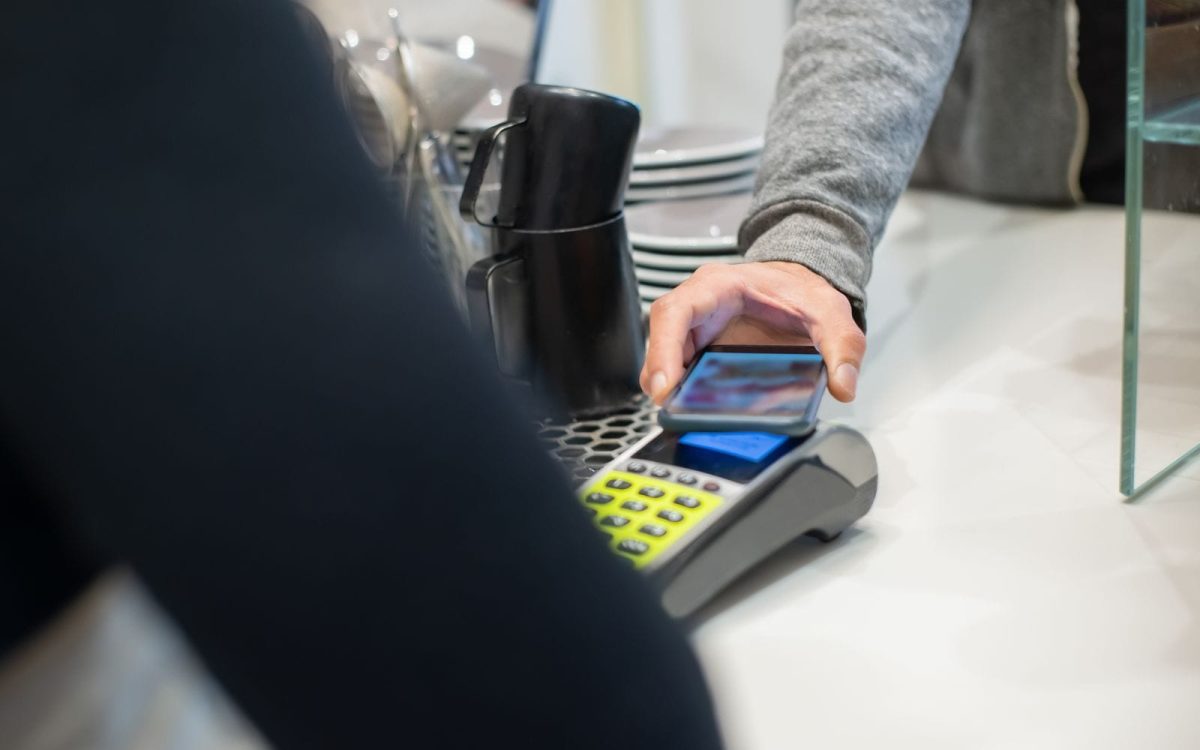
A point of sale system is the one piece of software every person in your restaurant touches every shift. Choosing well saves money for years; choosing badly means slow lines, surprise fees and a painful switch later. These are the questions worth asking any POS before you sign, with what to listen for in the answers.
1. What will it really cost each month?
Ask for the full monthly cost for your restaurant, not the starting price. Include every location, register, kitchen screen and add-on you’d need, and ask whether prices are in Canadian dollars. Fees per device add up quickly once you have a second register, a kitchen screen and a kiosk.
2. Does it take a percentage of my sales?
Some systems are free or cheap up front and earn their money from card processing, often with a contract that ties you to their processor. Ask: can I use my own card terminal and processor? What is the processing rate, and can I compare it with another bank’s quote? Is there an early-cancellation fee?

3. What happens when the internet goes down?
It will, usually on a Saturday. Ask whether the register keeps taking orders offline, whether tickets still reach the kitchen, and how sales catch up when the connection is back.
4. Can I use hardware I already own?
Proprietary terminals look good but lock you in, and replacing one can take days. A system that runs on ordinary tablets, with standard network printers, lets you buy hardware locally and swap a broken tablet the same day.
5. How fast is it at the counter?
Ask for a demo and ring in your three most complicated orders: a pizza with half toppings, a burger with four changes, a split bill. Count the taps. Then ask a new staff member to try it. If they can’t find a dish in a few seconds, your rush will feel it.
6. Is the kitchen display included?
Check whether kitchen screens cost extra, whether they show timers and changes clearly, and whether you can still print when you want to. (More on that in kitchen display vs printed tickets.)
7. Will it show me what each dish makes?
Most systems report what you sold. Fewer tell you what you made: plate cost from your supplier prices, margin per dish, and prime cost. Ask to see a dish’s cost and margin in the demo. If the answer involves exporting to a spreadsheet, you’ll be doing that every week.
8. How does it handle delivery apps?
If you sell on Uber Eats, DoorDash or SkipTheDishes, ask how those orders get into the system, how you price each app differently, and whether you can see profit per dish after each app’s commission. See how to price for delivery apps for why that matters.
9. What’s included for staff?
Scheduling, a time clock, timesheets and tip sharing are often separate products with separate bills. Ask whether they’re built in and whether staff need their own email address to sign in.
10. Can I get my data out?
Your sales history and menus are yours. Ask how to export them, in what format, and whether there’s a charge. A system that makes leaving hard is telling you something.
11. How long is the contract?
Monthly plans let you leave if it doesn’t work out. Multi-year contracts, hardware leases and cancellation fees don’t. Read the renewal terms before you sign.
12. How hard is it to switch?
Ask whether you can import your menu and past sales from your current system, how long setup takes, and whether someone can do it for you. Can you try it with your own menu before you commit?
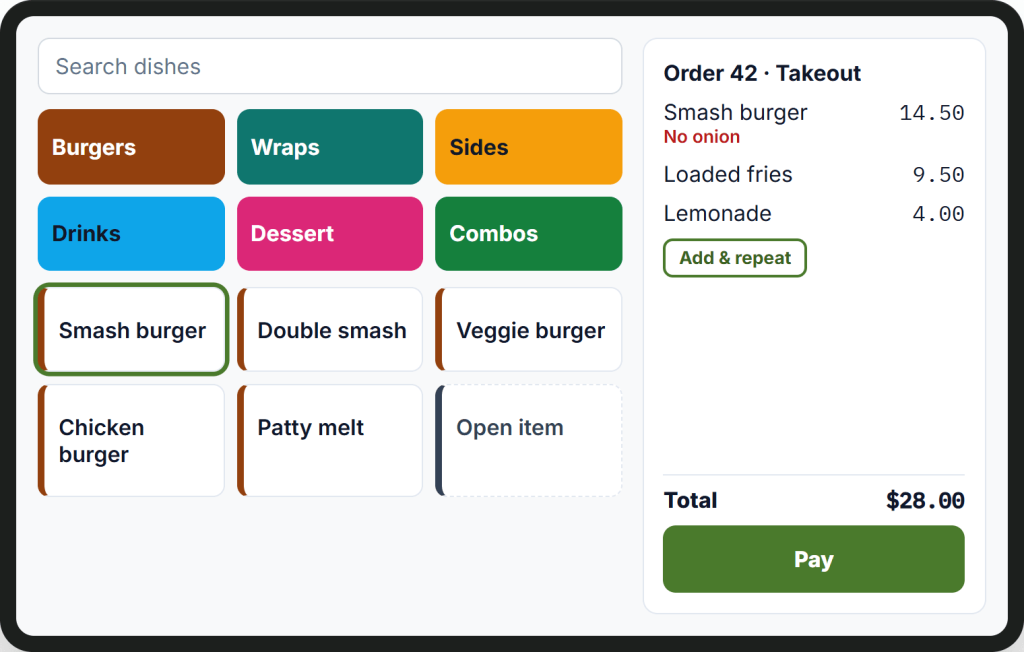
How Skillet answers these questions
- Clear monthly prices in Canadian dollars: Skillet POS $89, Skillet Insights $199 and Skillet Complete $299, per location, per month. No per-device fees, with unlimited registers and kitchen screens.
- Your own card terminal, no added fee. Use the card terminal and processor you choose, and Skillet adds no fee to those payments. Skillet records cash, card, gift card and house-account payments at the register.
- Keeps selling offline and catches up when the connection is back. Registers can send tickets straight to kitchen screens over the restaurant’s own network.
- Runs on tablets you already own, in any modern browser, with Android apps for the register, kitchen, managers and staff. Standard network printers and a cash drawer through the print bridge.
- Profit on every dish: recipe costing with yield, margin and price-spike alerts with the fix, and prime cost (on Insights and Complete).
- Delivery apps: ring in orders by app, set prices per app (on Complete), and see profit per dish after each app’s commission (on Insights and Complete).
- Staff tools included: scheduling, PIN and photo time clock, timesheets and tip sharing (on Insights and Complete). Staff sign in with a PIN.
- Your data, exportable whenever you like.
- Easy to switch: import your menu, ingredients, recipes and past sales from Toast and other POS exports or spreadsheets, or ask us to set it up for you.
- Try it first: 30 days free, no card needed.
Compare the plans, or start your free trial and ring in your own trickiest orders.